Sites – Overview and Functionality
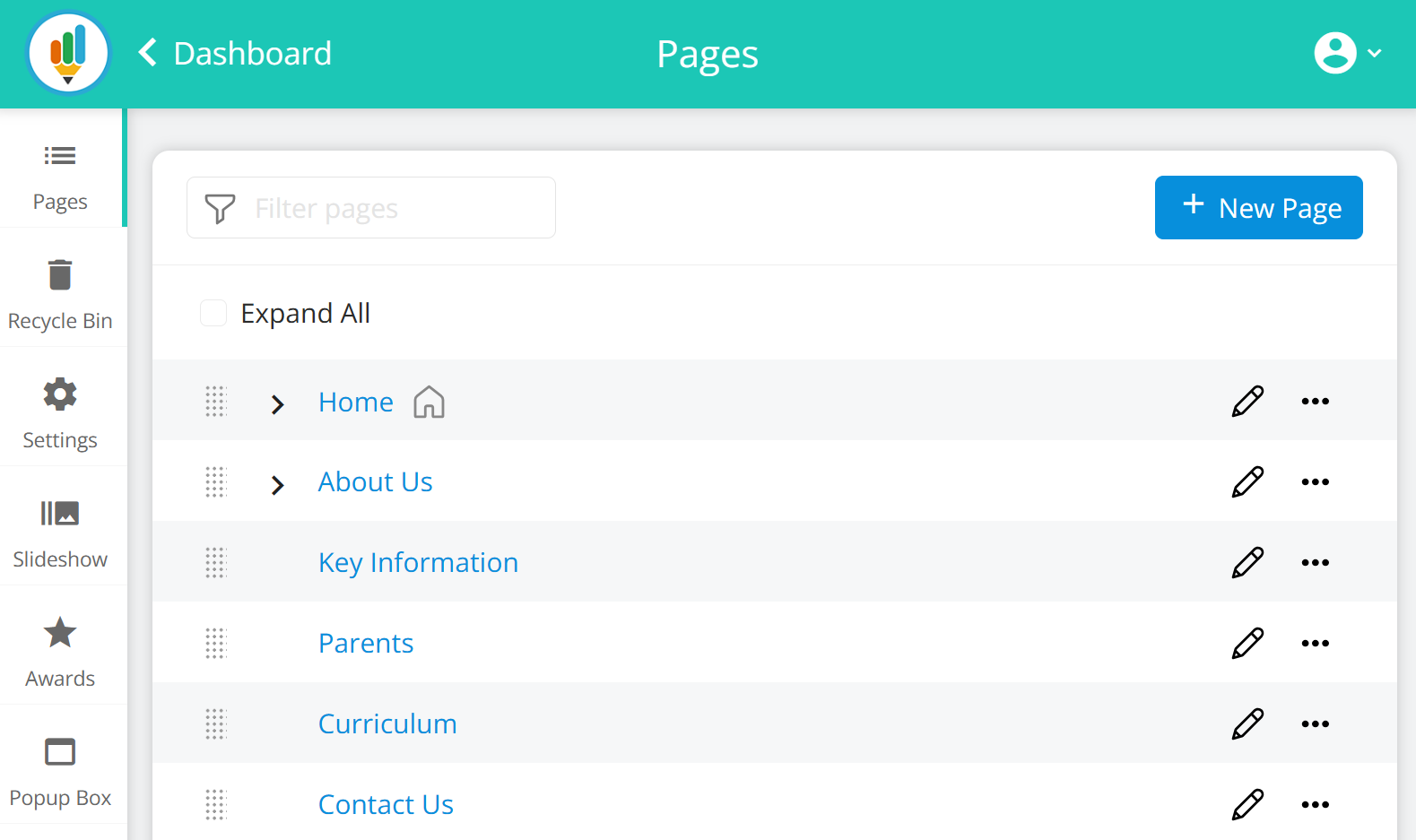
The Sites section allows you to view, organise, and manage all the pages that make up your website. It provides a visual sitemap where you can edit page content, change page order, add new pages, assign parent pages, manage visibility settings, and access advanced options through the page toolbar.
This area is the central location for keeping your website structure organised and easy to navigate.
Below, you will find a full breakdown of each element and its functionality, followed by step-by-step guidance.
Introduction to the Pages Management Screen
The Pages screen displays a clear sitemap of your entire website. Pages are organised in a simple tree structure, making it easy to:
-
find where pages are located
-
reorder pages
-
organise your menu
-
update content
-
manage visibility and permissions
The left-side navigation provides access to other tools (Files, Slideshow, Awards, Popup Box), while the main panel contains your full site structure.